
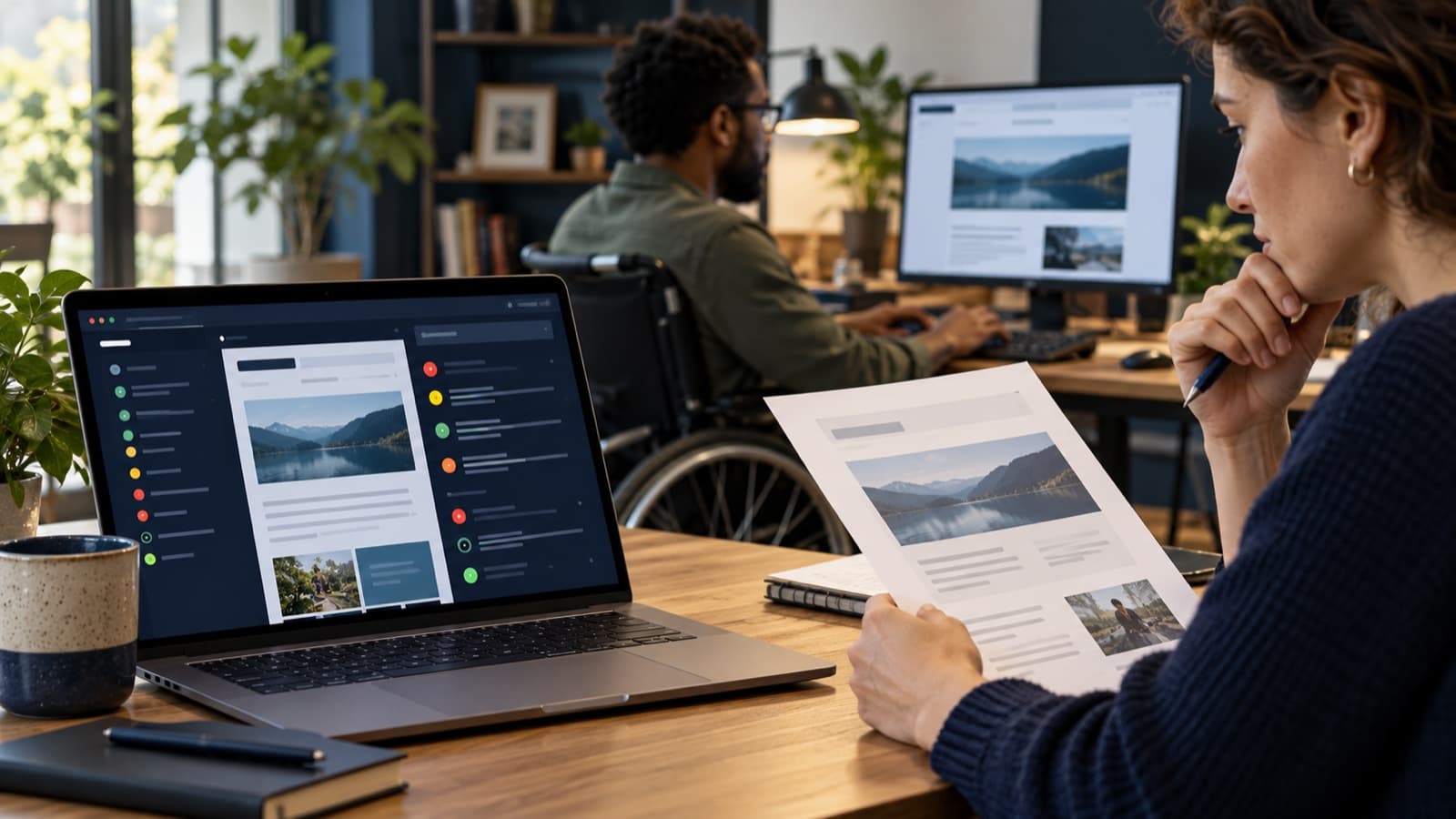
Automated checkers are useful, but they have a boundary
An accessibility checker can quickly inspect many pages for code patterns that are possible to test automatically. It cannot understand every page’s purpose or decide whether a person can successfully use your website. A “clean” scan is not proof that a site is accessible.
W3C says evaluation tools can help identify potential problems, but some checks require manual intervention and tools may produce inaccurate or misleading results. Use a checker to focus attention, then inspect how the page behaves and what its content means.
What an automated checker may find
Depending on the tool and its rules, a scan may detect missing form labels, empty links or buttons, some color contrast failures, missing image alternatives, and certain invalid ARIA or HTML relationships. These findings can make repetitive review faster, especially when you test common page templates regularly.
Tool coverage varies. Some check a single page; others crawl more of a site. A scan may not reach pages behind a login, dynamic states, a third-party checkout, or content that only appears after a specific action. Check the tool’s scope and the exact pages it tested.
What still needs human judgment
Whether text alternatives are useful
A tool may identify that an image has an alt attribute. It cannot reliably decide whether that text communicates the image’s purpose, whether a decorative image should be ignored, or whether a chart’s key message is available elsewhere.
Whether instructions make sense
Automated checks cannot reliably judge whether labels, link text, help instructions, and error messages are clear in context. A form can have technically associated labels and still be confusing to complete.
Whether a task works from start to finish
A page may contain keyboard-focusable controls but still have a confusing focus order, a focus trap, or a menu that cannot be dismissed. A person should try the real journey with a keyboard and assistive technology, including recovery from errors.
Whether content is understandable and usable
Tools do not decide whether headings describe the sections below them, whether captions accurately represent speech, or whether a page communicates its important information clearly. Those questions need content review and, where possible, feedback from users with disabilities.
Turn scan results into a stronger review
- Scan the pages and templates that support important tasks.
- Verify each flagged issue in the browser and dismiss false positives with a reason.
- Manually check keyboard access, visible focus, zoom, and reflow.
- Review forms, headings, links, images, and error messages in context.
- Use a screen reader to complete representative tasks.
- Retest after fixes and check shared components across the site.
Keep automated findings and manual observations together in one issue list. Record what was tested, where it was tested, and what still needs review. A scanner helps you find some problems faster; it does not replace a complete evaluation or establish legal compliance.