
Find, fix, and track website accessibility issues.
Start with a free scan, then connect code evidence, deep website checks, monitoring, widget controls, and practical remediation workflows in one accessibility platform.
Checks for Compliance With:
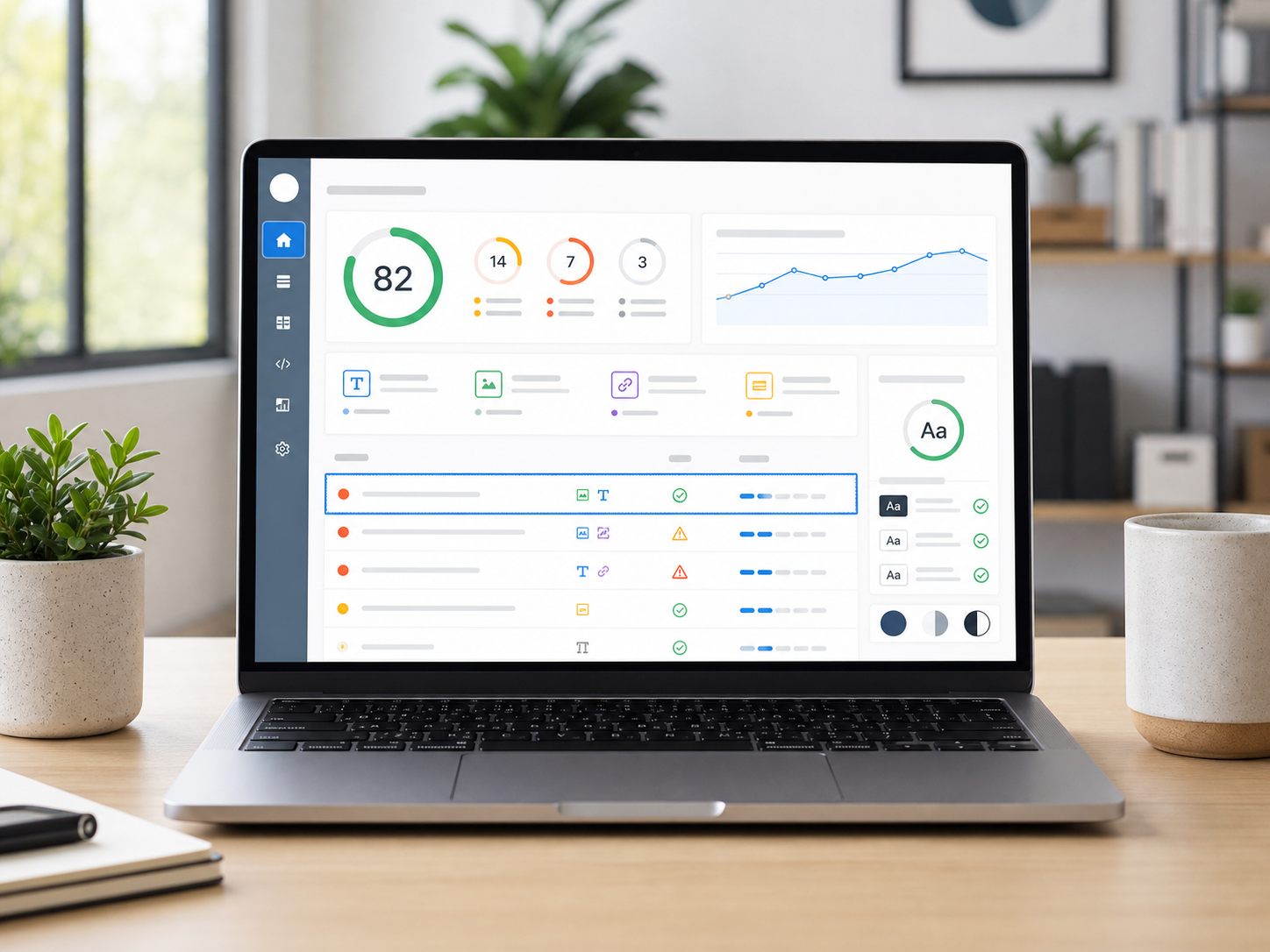
WCAGADAEAASection 508AODASee the exact evidence behind the accessibility score.
The report separates failed elements from successful checks, shows code snippets, and keeps the language practical for owners, marketers, and developers.
40+
checks grouped by rule
shareable report export
$0
public accessibility scan
Compare the complete accessibility workflow.
See how AuditYourWeb, accessiBe, and UserWay approach visitor controls, website scanning, source-code evidence, monitoring, and expert services.
View the full comparison| Feature | AuditYourWebLifetime-free features | accessiBeMulti-product platform | UserWayFree and paid products |
|---|---|---|---|
| Lifetime-free core self-serve features | Available: Included | Not included: Not included | Not included: Not included |
| Visitor accessibility widget | Available: Included | Available: Included | Available: Included |
| Free public website checker | Available: Included | Available: Included | Available: Included |
| Multi-page website scanning | Available: Included | Available: Included | Available: Included |
| Repository CLI or CI scanning | Available: Included | Available: Included | Not included: Not included |
| Source file and line evidence | Available: Included | Not included: Not included | Not included: Not included |
| Scheduled accessibility monitoring | Available: Included | Available: Included | Available: Included |
Three tools for finding, fixing, and tracking accessibility work.
Use the free checker to start, then move deeper with a website widget, route-level accessibility reports, and source-code scans that help developers fix issues at the right file and line.
Accessibility widget
Install an accessibility interface with profiles, reading controls, color adjustments, language support, and a branded statement flow.
Deep accessibility scan
Review public routes and turn page-level findings into a report your team can act on.
Code issues scanner
Run accessibility checks in a repo or CI workflow and upload exact file, line, snippet, and suggested fix evidence.
Latest updates on global accessibility legislations and standards.
Explore official legal documents and practical accessibility benchmarks by region. Use this as a starting point for research, then pair automated scans with expert legal and manual accessibility review.
Ontario, Canada
Accessibility for Ontarians with Disabilities Act
AODA creates accessibility standards for Ontario and includes web accessibility requirements through the Integrated Accessibility Standards Regulation. Many organizations use WCAG Level AA targets as the practical benchmark for public web content.
Who should review it
Ontario public, private, and non-profit organizations covered by AODA accessibility standards.
Technical benchmark
AODA web requirements are tied to WCAG 2.0 Level A and AA criteria for many public-facing websites and web content.
Important notes
- AODA was enacted in 2005 with the goal of making Ontario accessible.
- Ontario’s regulation includes web content obligations and reporting requirements for covered organizations.
Official documents
Helps Ontario teams find common WCAG-related barriers before compliance reporting or remediation planning.
Legal scope changes by jurisdiction, organization type, product, and service. AuditYourWeb provides automated technical evidence; it does not provide legal certification.
Focused checks for the issues teams search for first.
Free WCAG tool
WCAG Checker
Run a free WCAG-oriented website scan and review machine-detectable accessibility issues with evidence, severity, and practical next steps.
Design accessibility
Color Contrast Checker
Check whether website text, buttons, links, and interface states may have contrast problems that affect readability.
Image accessibility
Alt Text Checker
Find images, icons, and functional graphics that may need better text alternatives for screen readers and accessibility reports.
Form accessibility
Form Label Checker
Scan pages for form controls, search fields, checkboxes, radios, and submission controls that may be missing accessible labels.
Ecommerce accessibility
Shopify Accessibility Checker
Scan Shopify storefront pages for common accessibility issues across product content, forms, navigation, images, and checkout-adjacent flows.
WordPress accessibility
WordPress Accessibility Checker
Scan WordPress pages for accessibility issues caused by themes, plugins, page builders, images, forms, navigation, and content structure.
Fast signal across the issues teams miss most.
Automated testing will not replace expert review, but it should catch repeatable defects reliably and show enough evidence for a team to start fixing them.
Evidence, not vague warnings
See the affected element, the related rule, failure counts, and the user profile most likely impacted.
Practical remediation guidance
Every finding explains why it matters and what a developer or site owner should fix next.
Reports your team can share
Export a PDF, keep a scan history, and monitor changes after redesigns, plugin updates, or new content.
Accessibility controls your visitors can actually use.
The widget is designed as an interface for real browsing needs: profiles, reading adjustments, color controls, keyboard support, dictionary lookup, read mode, and multilingual labels.
Explore the widgetSeizure-safe and reduced-motion profiles
Low-vision, ADHD, cognitive, keyboard, and screen-reader support controls
Text sizing, line height, spacing, alignment, readable font, and reading aids
Contrast, saturation, monochrome, and color adjustment tools
Dictionary lookup, read mode, useful links, and multilingual labels
Custom colors, position, size, and enabled controls from the dashboard
Built for WCAG-oriented audits, with legal claims kept honest.
The report helps you prioritize accessibility work for ADA and Section 508 conversations, while clearly separating automated findings from a full legal compliance opinion.
WCAG 2.2
Automated checks are grouped around WCAG-oriented accessibility expectations.
ADA readiness
Use the report as practical evidence for accessibility improvements, not as legal certification.
Section 508
Surface common barriers that matter for public-sector and procurement accessibility reviews.
From URL to report in one focused flow.
Enter a public website URL
Review failed and successful checks
Download or share the accessibility report
Common accessibility scan questions.
Is AuditYourWeb free to use?
Yes. The public website accessibility checker is free to use. Account-based workflows are available when you want saved websites, widget setup, deep scans, or code scanner reports.
Does AuditYourWeb certify ADA compliance?
No. AuditYourWeb provides automated WCAG-oriented findings and supporting evidence. Legal ADA compliance still needs expert review, keyboard testing, screen reader testing, and human judgment.
What issues can the scanner find?
It can detect many machine-testable issues such as missing image alternatives, form label problems, landmark mistakes, ARIA misuse, contrast failures, and focus or interactive control problems.
Why do code snippets matter?
Code snippets let designers, developers, and business owners connect each accessibility finding to a real element on the page instead of guessing where the problem lives.
Can AuditYourWeb help after the first scan?
Yes. Teams can install the accessibility widget, monitor selected websites, run deeper public-route scans, and use the code scanner to find source-level accessibility issues in a repository or CI workflow.
Can the widget run on authenticated pages?
Yes. If the loader script is included in the application layout, the widget can appear on public pages, dashboards, and authenticated product screens that load the same client-side bundle.