

The hidden risks behind unfamiliar links
Every day, billions of phishing emails, SMS messages (smishing), and direct messages on social media are dispatched with a single objective: tricking you into clicking an untrusted link.
Clicking an unverified link can lead to catastrophic consequences:
- Credential Harvesting: Phishing pages mimic login portals for Google, Microsoft 365, PayPal, or your bank to capture passwords and multi-factor authentication (MFA) codes.
- Drive-by Malware Downloads: Compromised servers exploit unpatched browser vulnerabilities to download ransomware, keyloggers, or info-stealers in the background without user confirmation.
- Session Cookie Hijacking: Attackers steal session cookies to bypass two-factor authentication and hijack active user accounts.
Before clicking any link received unexpectedly, take 10 seconds to inspect the URL using automated tools and manual verification techniques.
The anatomy of a malicious URL
Cybercriminals rarely send raw, suspicious-looking links like http://evil-hacker.com/malware.exe. Instead, they use deceptive structural tricks to fool the human eye:
1. IDN Homograph / Punycode Attacks
Attackers register domain names containing Cyrillic, Greek, or Latin look-alike characters that render identically to trusted brand names in your browser:
apple.com(Legitimate Latin letters)xn--pple-43d.com(Deceptive Cyrillic 'a')
2. Subdomain Brand Impersonation
Attackers embed legitimate brand names within subdomains to trick mobile users whose address bars truncate long domain strings:
- Deceptive URL:
https://paypal.com.account-update.xyz/login - The actual registered domain here is
account-update.xyz, not PayPal!
3. URL Shortener Cloaking
Shortening services (such as bit.ly, tinyurl.com, or t.co) conceal the destination domain, parameters, and file extensions, blinding standard email filters.
4. Direct IP Hostnames
Legitimate corporate brands almost never send links formatted as raw IP addresses (e.g. http://198.51.100.25/signin). Phishers use raw IPs to bypass domain reputation blocklists.
How to safely inspect a link before clicking
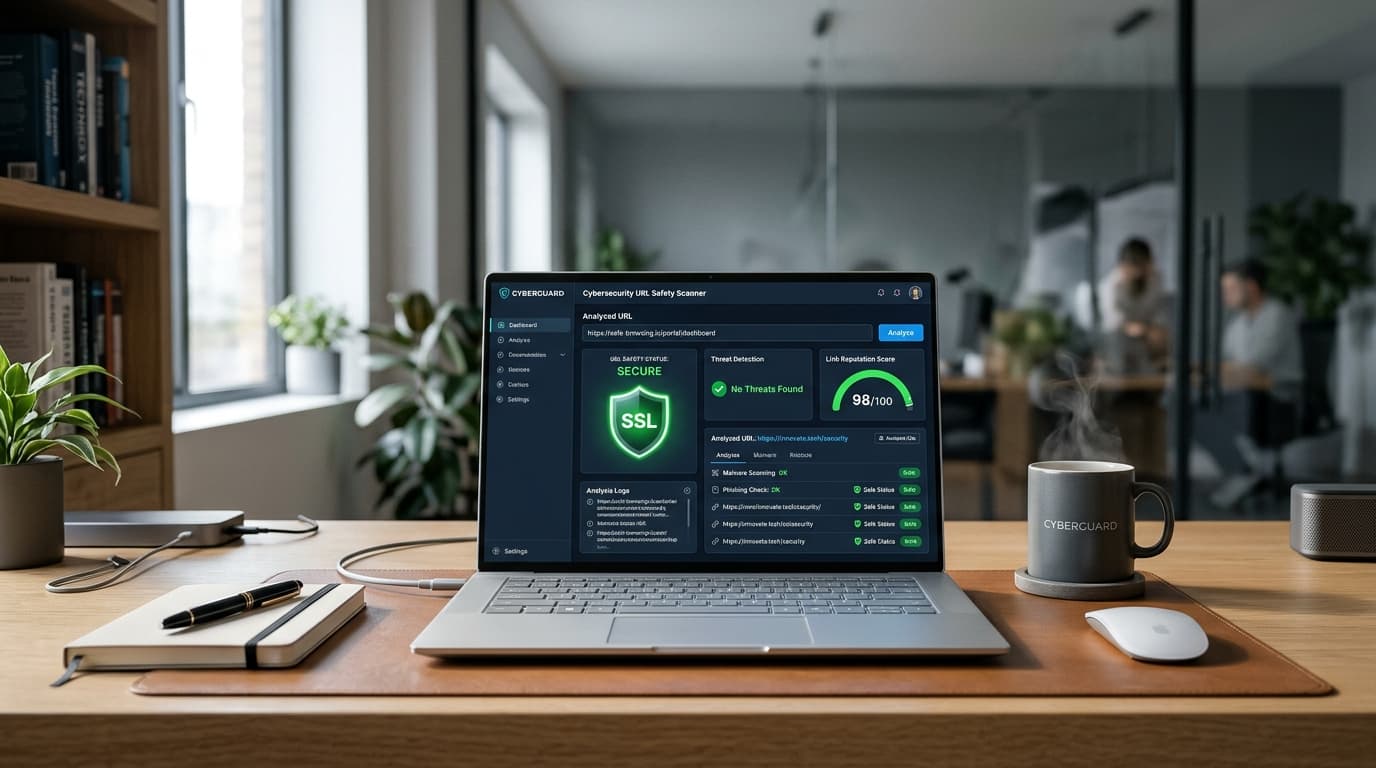
Method 1: Scan with our Free URL Safety Scanner
Copy the suspicious link without opening it in your browser, and paste it into our free URL Malware & Phishing Scanner.
The scanner inspects the target in a protected sandbox, evaluating:
- Redirect Unmasking: Expands shorteners and traces multi-hop redirect chains to reveal the true final landing page.
- Homograph & Punycode Detection: Identifies spoofed characters and internationalized domains.
- Subdomain Spoofing: Flags deceptive brand mimicry.
- Threat Risk Score: Provides a clear verdict (SAFE, SUSPICIOUS, or MALICIOUS).
Method 2: Previewing shortened links manually
Most popular URL shorteners offer built-in preview modes:
- Bitly: Add a plus sign (
+) to the end of any Bitly link (e.g.bit.ly/example+) to see the destination URL and click statistics without being redirected. - TinyURL: Prepend
preview.to the link (e.g.preview.tinyurl.com/example).
Method 3: Hover and check the status bar (Desktop)
On desktop computers, hover your mouse cursor over the link without clicking. Check the destination URL displayed in the bottom-left corner of your browser window. Verify that the domain matches the expected service before clicking.
What to do if you already clicked a suspicious link
If you accidentally clicked a suspicious link, take immediate defensive action:
- Do Not Enter Any Information: If a form asks for your username, password, credit card, or one-time password (OTP), close the tab immediately.
- Disconnect from the Network (If Files Downloaded): If a file downloaded automatically (e.g.
.exe,.scr,.iso,.zip), disconnect your device from Wi-Fi immediately to prevent lateral network spread. - Change Account Passwords Immediately: If you entered credentials, visit the service's official website from a different browser or device and change your password.
- Invalidate Active Sessions: Go to your account security settings and click "Sign out of all other sessions" to revoke compromised authentication tokens.
- Scan Your Device: Run an updated antivirus scan (such as Windows Defender or Malwarebytes) to detect any background dropper payloads.