

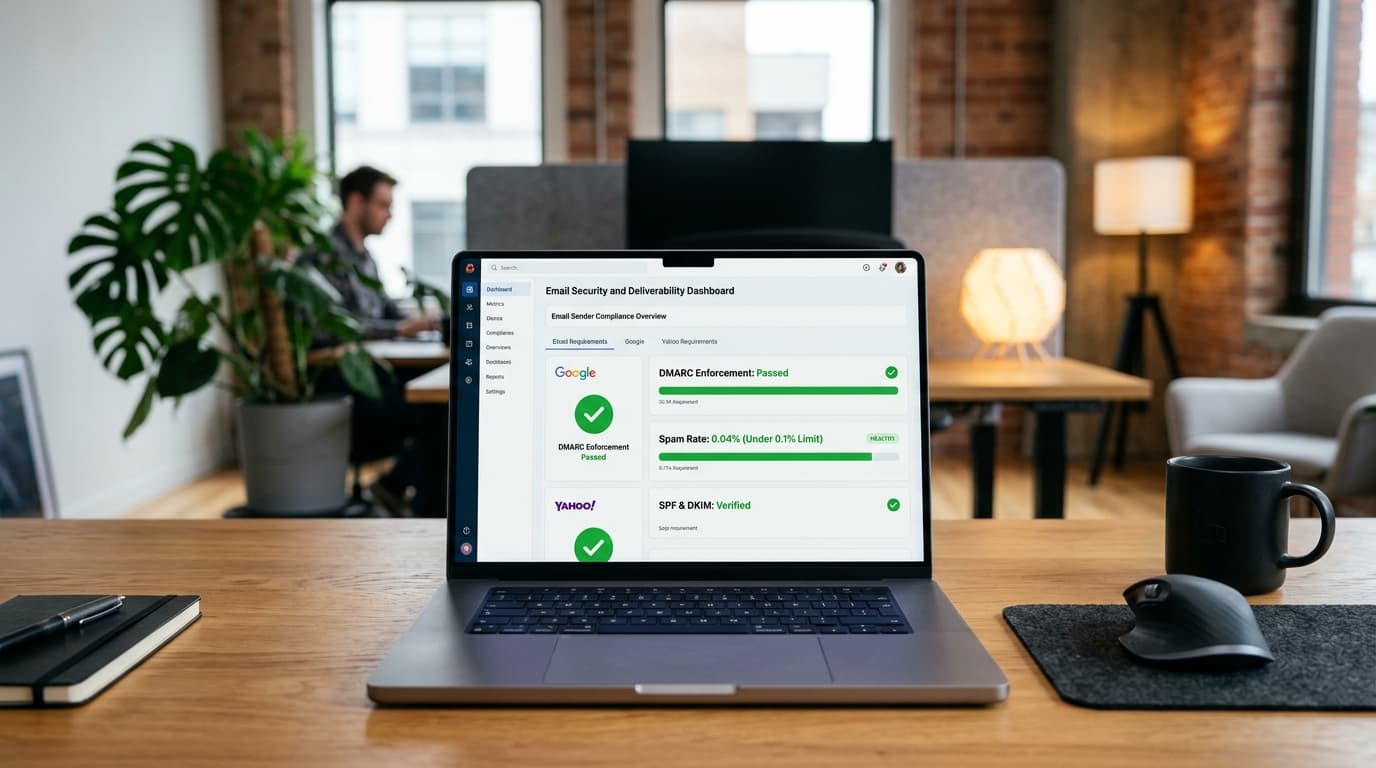
The Google and Yahoo sender mandate
Email security underwent a fundamental shift with the enforcement of strict sender authentication rules by Google and Yahoo.
Under these guidelines, any domain sending bulk marketing, transactional, or notification emails (5,000+ messages per day to personal @gmail.com, @googlemail.com, or @yahoo.com accounts) must comply with three mandatory pillars:
- Publish an explicit DMARC policy on your sender domain (with at least
p=none). - Align SPF or DKIM authentication for all outbound mail.
- Maintain a spam rate below 0.3% in Google Postmaster Tools.
- Support one-click unsubscribe headers (
List-Unsubscribe=One-Click).
Failure to comply results in immediate consequences: email deliveries are delayed, routed directly into recipients' Spam folders, or rejected at the SMTP gateway with error codes like 550 5.7.26 This message does not pass authentication checks.
Why SPF and DKIM alone are not enough
Many domain owners believe having an SPF (Sender Policy Framework) or DKIM (DomainKeys Identified Mail) record is sufficient. However, without DMARC, your domain remains fundamentally vulnerable to spoofing.
The "Envelope From" vs. "Header From" vulnerability
- SPF checks only the invisible technical return-path (the
RFC5321.MailFromor envelope address). - When a human opens an email, email clients (Gmail, Apple Mail, Outlook) display the visible
From:address (theRFC5322.From).
Attackers exploit this disconnect by sending phishing emails through their own authorized mail servers (passing SPF on their own domain), but setting the visible From: address to your brand name (e.g. billing@yourcompany.com).
DMARC (Domain-based Message Authentication, Reporting, and Conformance) closes this loophole through Identifier Alignment: it guarantees that the domain in the visible From: header matches the domain authenticated by SPF or DKIM.
Step-by-step: How to set up DMARC on your domain
Setting up DMARC takes less than five minutes and requires adding a single DNS TXT record at your DNS provider (Cloudflare, Route 53, GoDaddy, Namecheap).
Step 1: Confirm your SPF and DKIM records
Before activating DMARC, verify that your domain has an active SPF TXT record:
- Use our free SPF Record Validator to ensure you have no syntax errors or duplicate records.
- Ensure your email service provider (Google Workspace, Microsoft 365, SendGrid, Postmark) has valid DKIM keys published.
Step 2: Choose your DMARC policy
DMARC offers three enforcement levels via the p= tag:
p=none(Monitoring mode): No emails are blocked. Receiving mail servers deliver unaligned emails normally and send XML aggregate reports to your address. This is the recommended starting point.p=quarantine(Spam folder mode): Receiving servers route failed emails straight into spam or junk folders.p=reject(Strict blocking mode): Receiving servers completely bounce and drop unauthorized emails. Hackers cannot send emails claiming to be your domain.
Step 3: Publish the DNS TXT record
Log into your DNS host and add the following TXT record:
| Field | Value |
| :--- | :--- |
| Record Type | TXT |
| Host / Name | _dmarc (or _dmarc.yourdomain.com) |
| TTL | 3600 (or 1 Hour / Automatic) |
| Record Value | v=DMARC1; p=none; rua=mailto:dmarc-reports@yourdomain.com; pct=100; |
Replace dmarc-reports@yourdomain.com with a dedicated mailbox or a DMARC aggregate report processor.
How to transition from p=none to p=reject safely
Do not jump straight to p=reject on day one. If you have legitimate third-party services (such as Zendesk, Salesforce, HubSpot, or Shopify) sending invoices on your behalf without proper DKIM alignment, a premature p=reject policy will cause your own legitimate business emails to bounce.
Recommended migration roadmap:
[ p=none (Monitor 2-4 wks) ]
             │
             ▼
[ Audit DMARC Reports & Align 3rd Parties (SendGrid, Zendesk, etc.) ]
             │
             ▼
[ p=quarantine (Route spoofed mail to spam) ]
             │
             ▼
[ p=reject (100% Phishing Proof - Bounce all unauthorized mail) ]
- Weeks 1–3 (Monitor): Publish
p=noneand review incoming aggregate reports. Identify all external platforms sending email for your domain. - Weeks 3–4 (Authenticate): Add DKIM CNAME records for every authorized marketing, transactional, and CRM platform.
- Week 5 (Enforce Quarantine): Change your policy to
p=quarantine; pct=50;then scale topct=100;. Any spoofed emails go straight to junk. - Week 6+ (Enforce Reject): Switch to
p=reject; pct=100;. Your domain is now completely immune to email impersonation.
Verifying your DMARC record online
DNS changes can take up to 24 hours to propagate across global nameservers.
Use our free DMARC Record Checker to inspect your live DNS TXT record. The tool checks:
- Strict policy enforcement (
p=none,quarantine,reject). - Subdomain inheritance rules (
sp=). - Percentage enforcement (
pct=). - Valid aggregate reporting addresses (
rua=). - MX mail server authentication and SPF alignment.
You can also run an instant terminal check with dig:
dig +short TXT _dmarc.yourdomain.com